 From dock to report
Food chain and distribution
VizForge and VizFlow are in use at companies in this industry.
Where to start: VizForge, for reports, pricing and supplier documents
AI implementation and workflow studio
We redesign workflows and implement AI to help companies grow revenue, lower operating cost and give their people time back. We have already shipped AI inside our own production software.
In business since 2002English · Español

Why us
Four strengths, each drawn from work we have already shipped.
The VizFlow assistant works through the product's own tools to look up records, create and edit project data and draft configurators. AI renders, video and materials are live too, metered with per-organization limits and a cost cap.
We designed, built and ship three products of our own, with audit trails, role-based access and nightly backups. Every VizForge release is versioned and tested before it reaches production.
VizForge runs on a server you control, and your knowledge base, jobs, conversations and documents are stored there. It works with OpenAI and Anthropic models on open agent frameworks, so you can switch models without rebuilding.
We have built 3D pipelines and tools for film, television and game companies. That work led to our own platforms.
Industries
Each line below is work we have delivered or software of ours in use today. Client names are not shown.
From dock to reportVizForge and VizFlow are in use at companies in this industry.
Where to start: VizForge, for reports, pricing and supplier documents
 Every job on record
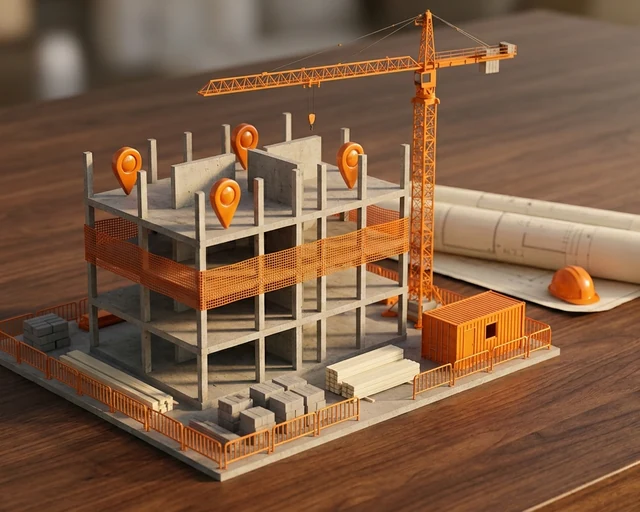
VizForge and VizFlow are in use at construction companies.
Where to start: SiteTrakr, for jobs in the field
 Review on the real model
VizForge and VizFlow are in use at architecture firms.
Where to start: VizFlow, for client review on the real model
 Pipelines that hold up
We developed 3D pipelines and tools for film and television companies.
Where to start: a 3D pipeline review
 Assets ready for the engine
We developed 3D pipelines and tools for game companies.
Where to start: a 3D pipeline review
 One model, every variant
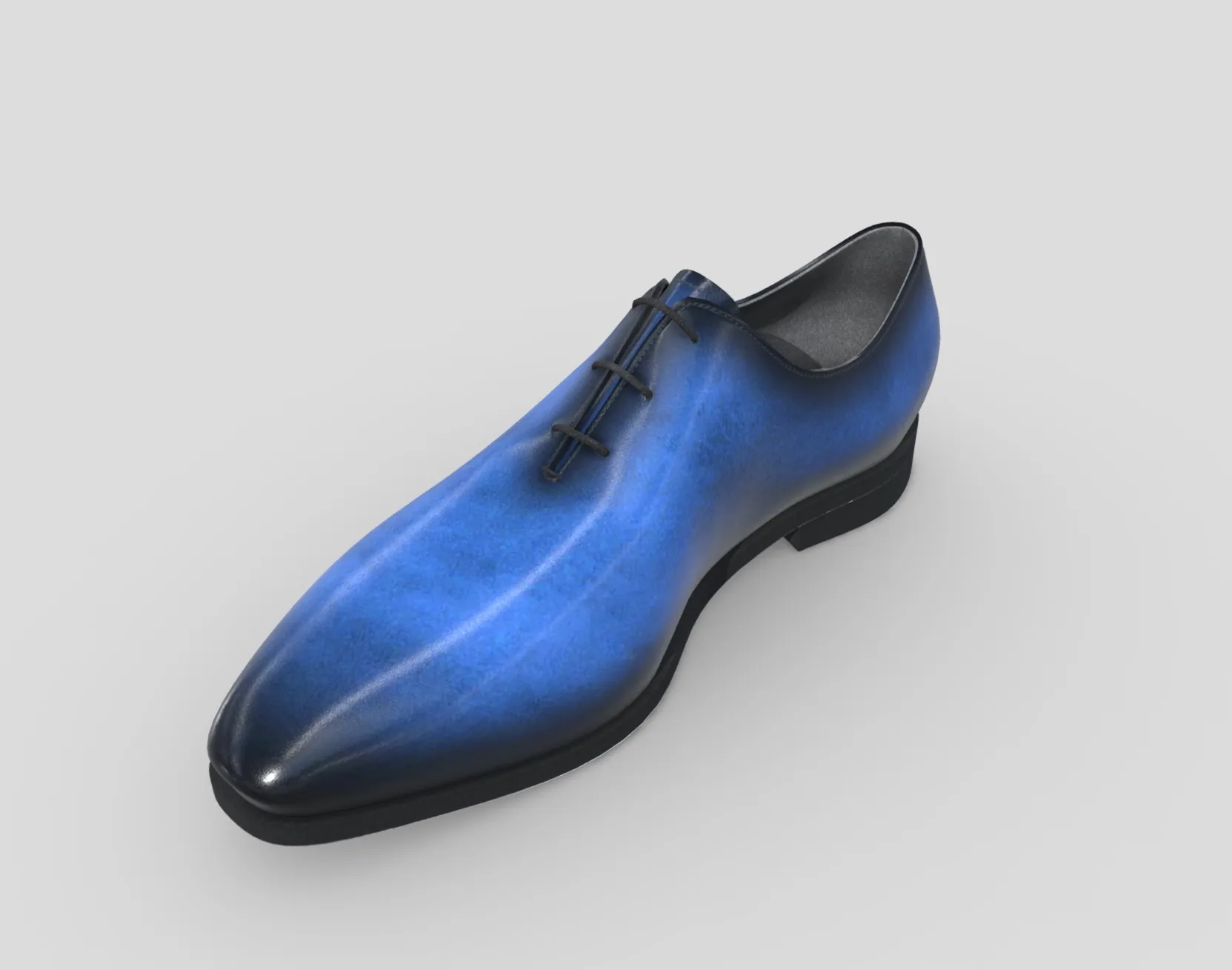
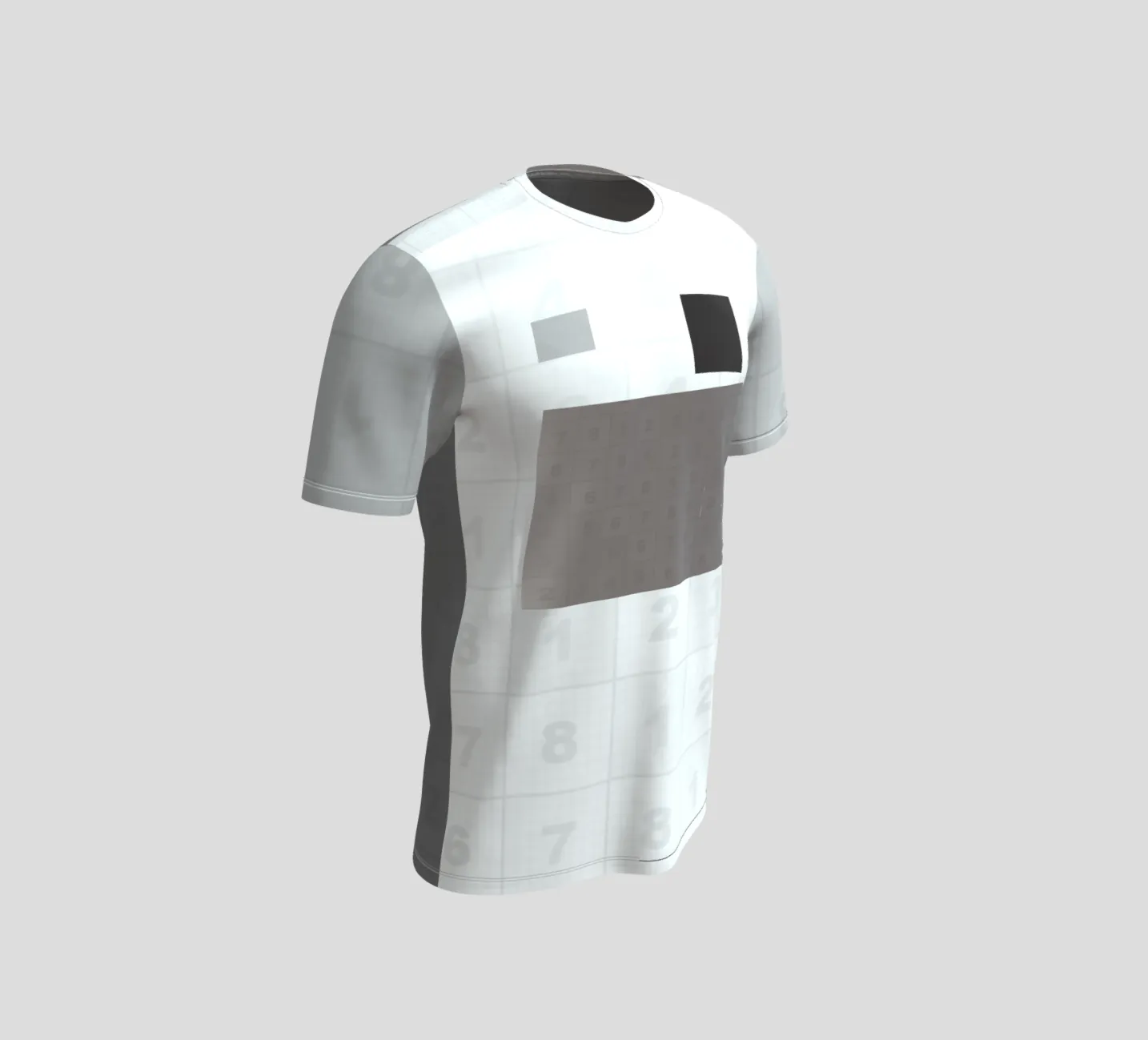
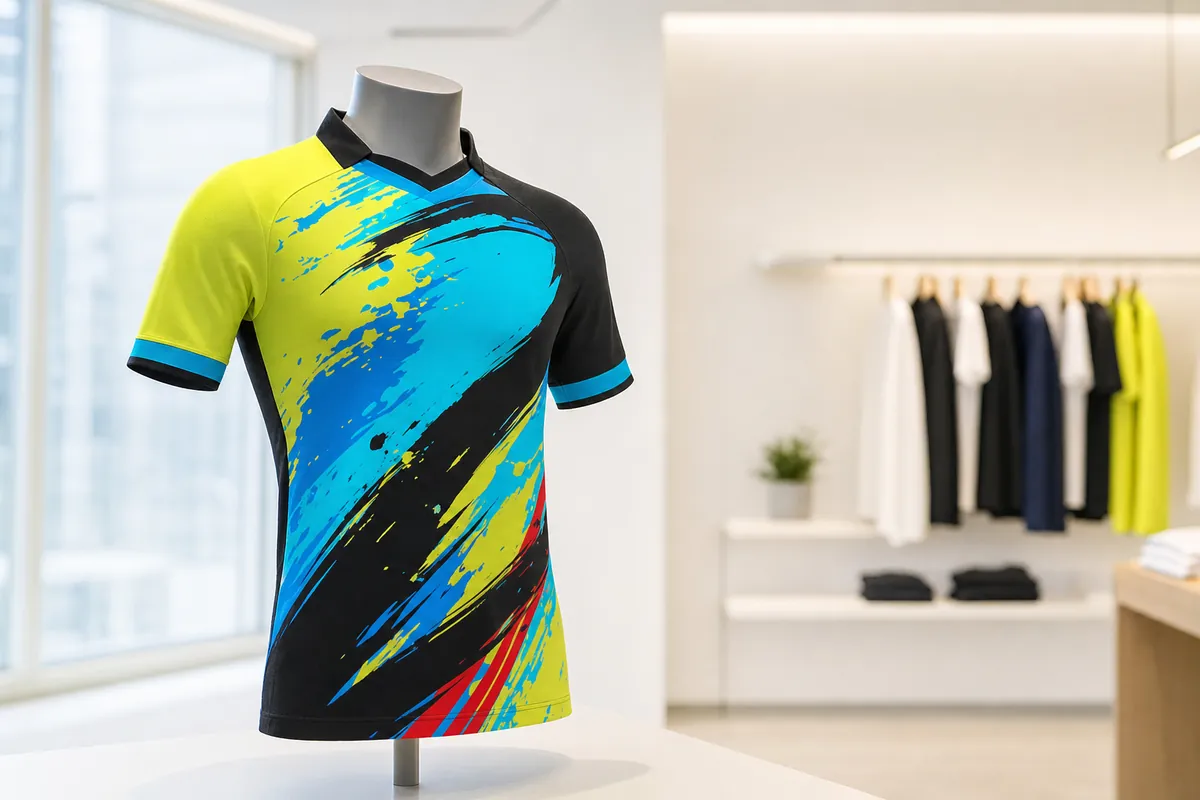
We created 3D visualization of fashion products.
Where to start: VizFlow, for configurators, variants and renders from one model
 From CAD to the browser
We built real-time 3D product visualization for engineering companies.
Where to start: VizFlow, for STEP files turned into web-ready models
We also built workflows for real-time visualization on the web.
Talk to usServices
We bring the approach we use in our own products to the reports, documents, handoffs and decisions your team handles every week.
Most AI tools answer a question and stop there. We set up AI agents that work from your company's own documents and procedures. They carry out multi-step work such as research, planning, analysis, drafting and filing, and return finished work to your team. When a decision is needed, the agent flags it for a person.
Much of a team's time goes into the steps between tasks: finding the data, checking it, formatting the report and filing it where people expect it. We map those steps with your team. Then we automate the ones that repeat and leave judgment calls with the people responsible for them.
When spreadsheets and email threads are holding the operation together, we bring the work into one place. We start from our own platforms, VizFlow and SiteTrakr, and configure the modules your office, field team and clients need. A documented REST API exposes those modules, so integrations with your other systems can be built where they are needed.
Specialization
Fewer handoffs and rebuilds for 3D teams. We design production pipelines, build configurators that run in the browser and make heavy models fit for the web.
Our systems
We build and ship our own products, and they are the clearest evidence of how we build software. VizForge runs on each client's own server. VizFlow and SiteTrakr run on the web, and you can open them yourself.

Agentic Business Intelligence
AI agents that research, plan, prepare and produce work from your own documents, taking repetitive work off your team while your people stay in control.

Product Review and Configuration
Upload an asset once, then review, configure, render and share it from a link, with nothing to install.
Project tracking platform
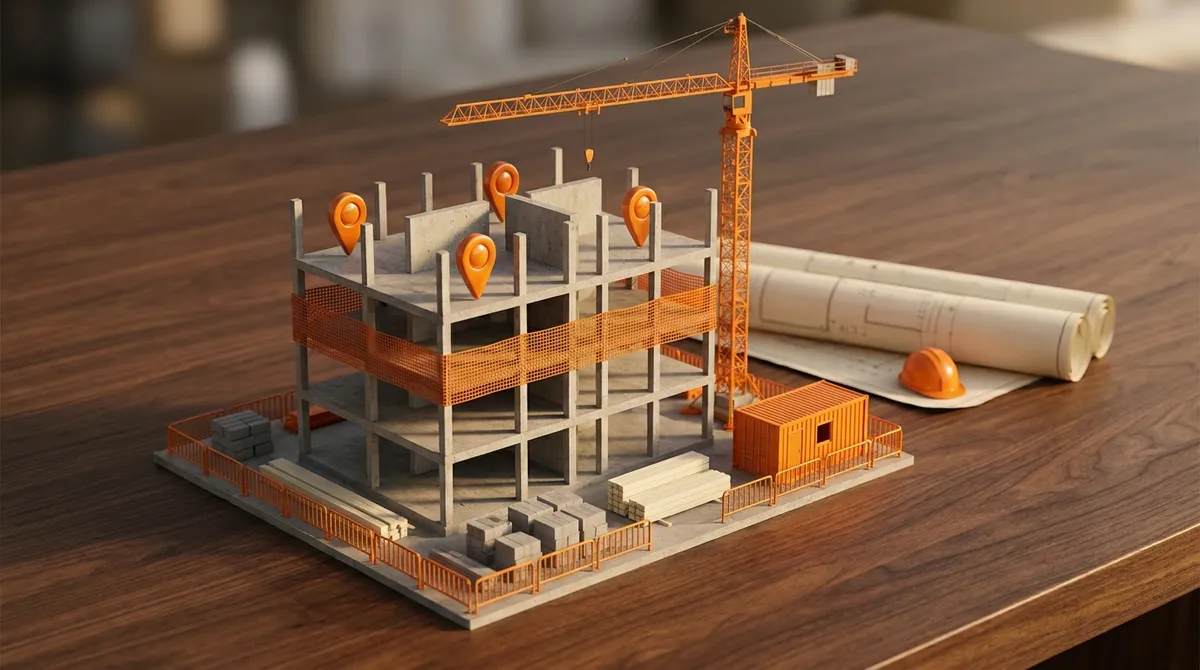
The construction edition of VizFlow: field logs, punch lists, schedules, budgets and client sign-off in one place.
Built on the same five rules
How we work
How we approach repeated work: find it, map it, build the system, keep the decision with a person.
We map your departments, key processes and where your documents live, and agree which workflows to start with.
We agree the scope with you: what comes first, who on your team is involved, and how we will know it works.
We install and configure the system in your environment, set up roles and access levels, and connect the AI provider you choose. Platform and 3D work follows the agreed plan.
For AI engagements, your documents are filed and indexed, search accuracy is tested with known answers, and the first routines are set up with the people who use them.
Your staff get accounts with the right access level and start working. We stay involved as the system takes on more of your work, in English or Spanish.
Specialization
The studio started here, and it is still a core specialization. Our client work in production pipelines and real-time 3D led to our own platforms.
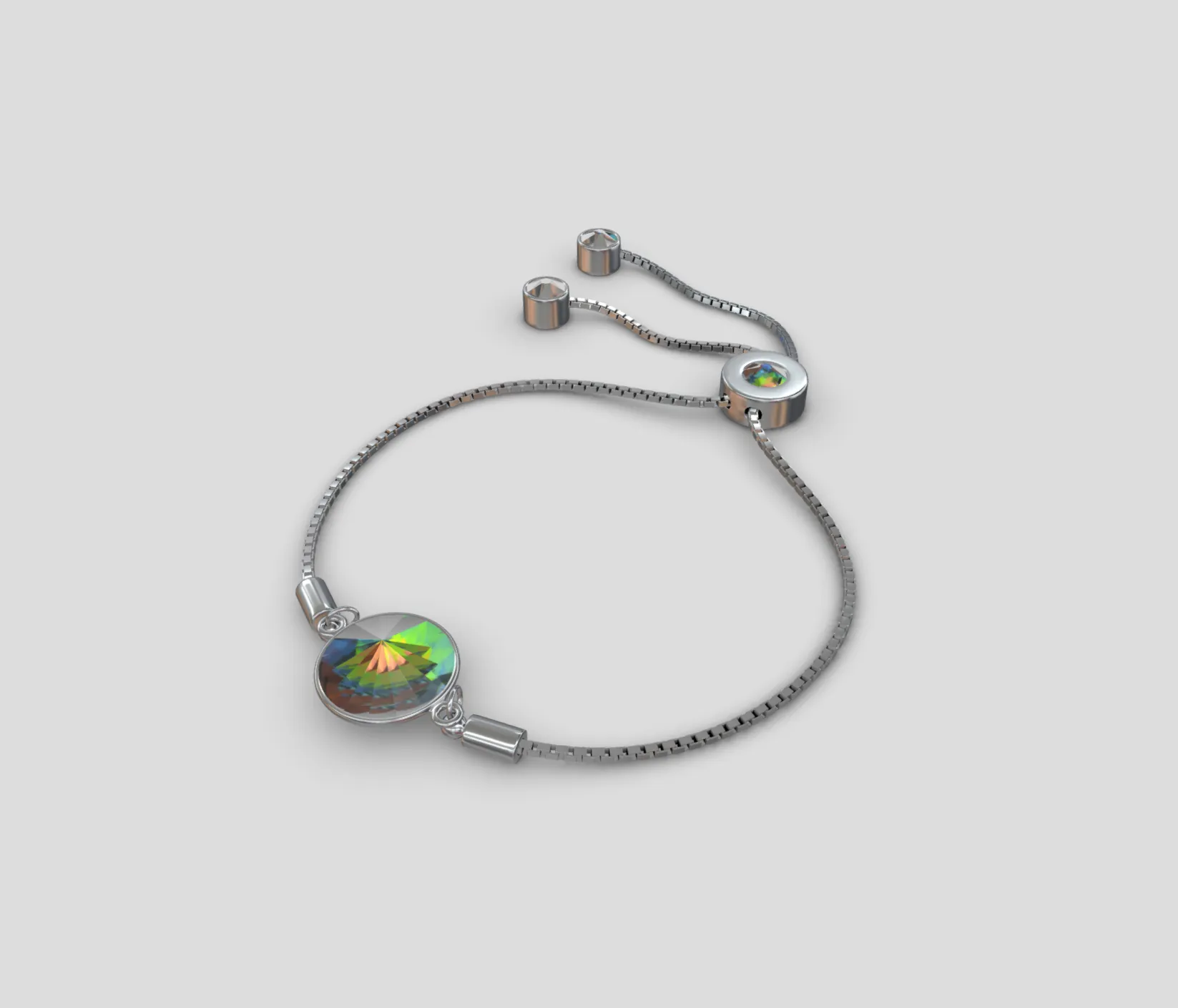
Our 3D work spans game, film and television pipelines, fashion product visualization, real-time product visualization for engineering and real-time visualization workflows for the web.


FAQ
Straight answers on data, cost, ownership and support.
On a server you control, macOS or Linux. Your knowledge base, jobs, conversations and documents are stored there, and each company's agents see only that company's files. Your source files arrive through a shared Google Drive folder, where a read-only copy of the knowledge base is also kept.
To answer a request, the relevant passages are sent to the AI provider you chose, OpenAI or Anthropic, and document text is sent to OpenAI to build the search index. Meeting recordings are transcribed on your machine. The app is reached only through your private network or a protected sign-in page, and your passwords and API keys never leave the server.
They are web platforms on Google Cloud. Permissions are scoped to each organization, and database backups run nightly and are kept for 90 days. Payments run through Stripe and email through Resend. Optional AI features process the inputs you send them through the AI services that power them. No third-party analytics or advertising trackers are used.
The platforms are not offered on-premise. If you need your data on your own server, VizForge installs there.
A person stays responsible. VizForge agents work from your approved documents and procedures. When a decision is needed, they flag it with the options and a recommendation. Anyone with access can send a job back with corrections, and every step is recorded. In VizFlow, AI usage runs under per-organization limits and a cost cap.
Implementation work and VizForge are scoped and quoted after discovery, so you know what you are paying for before we start. VizFlow and SiteTrakr publish their plans online, starting with a free plan. With VizForge, AI usage is billed directly by your provider, OpenAI or Anthropic, separate from our fee.
It depends on how many departments, processes and documents are in scope, so we do not quote a timeline before discovery. The steps are discovery, scope and plan, setup and build, and go-live. For AI engagements, knowledge and routines come before go-live.
Your data and documents remain yours. Ownership of custom work is set out in writing in your scope. The VizForge knowledge base is a set of plain notes that opens in standard tools such as Obsidian, so your knowledge stays readable without us. In VizFlow, 3D models export as standard glTF or GLB and can be downloaded as packages with their snapshots and materials.
We stay involved after go-live, in English or Spanish. The VizForge app shows the health of every component, flags blocked routines with the reason and shows the status of your AI provider, so problems show up early. Support terms are agreed in your scope.
Tell us which workflow costs your team the most time, or where revenue is being lost. On a discovery call we will look at how that work runs today, what can be automated safely, and what should stay with your people. If we are not the right fit, we will tell you.